![Hagleitner_Logo.png]](https://knowledge.hagleitner.com/hs-fs/hubfs/Hagleitner/Hagleitner%20-%20Logo/Hagleitner_Logo.png?height=40&name=Hagleitner_Logo.png)
Notice: Editing a customer number is only possible when the customer is not externally managed.
- Open the HsM web portal.
- Click on the search, search for your reseller and select it.
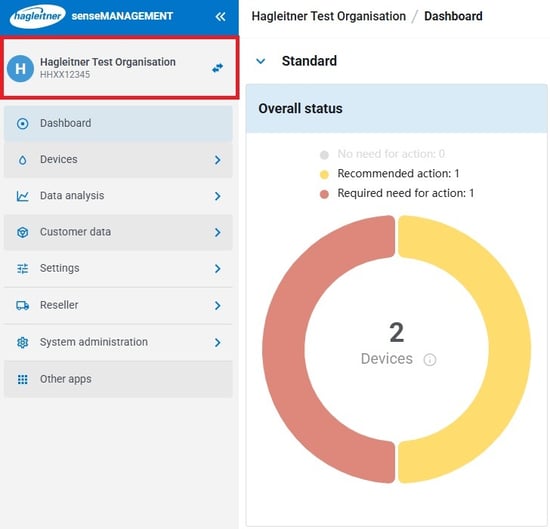
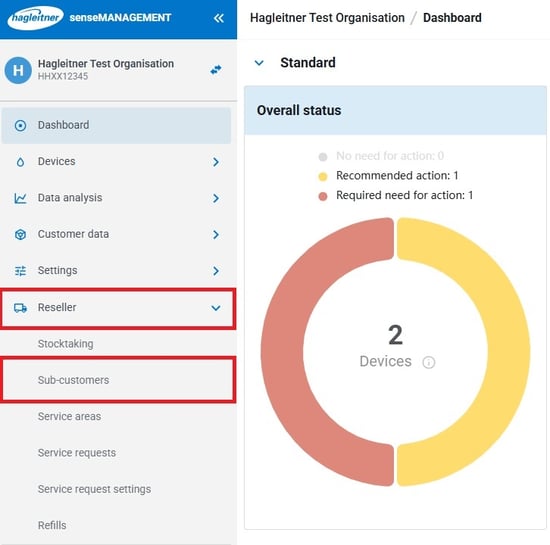
- At the reseller, click "Reseller" > "Sub-customers".
- Select the customer from the list.
- Click on "Sub-customer properties" on the right.
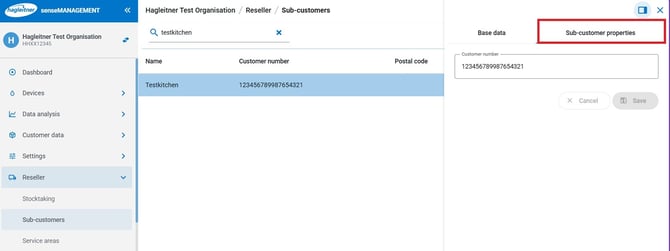
- You can change the customer number via the input field called "Customer number".
- After the change click on "Save" to save changes.