![Hagleitner_Logo.png]](https://knowledge.hagleitner.com/hs-fs/hubfs/Hagleitner/Hagleitner%20-%20Logo/Hagleitner_Logo.png?height=40&name=Hagleitner_Logo.png)
Potential solutions
- Check the error message
- Error message: "External accounts"
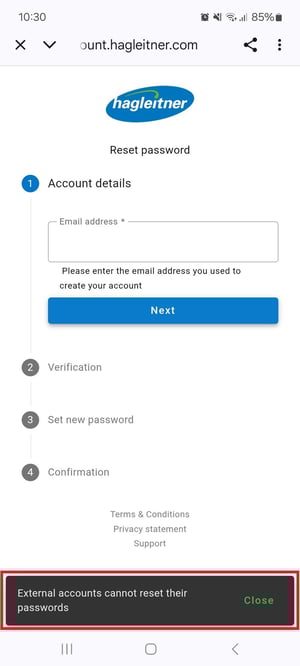
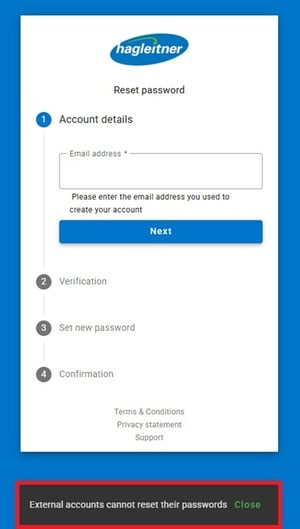
- This means that you are trying to change the password for an account that has been registered via Google or Apple. You need to change the password directly at Google or Apple. The login for such accounts also only works via the Google or Apple button at the login window.
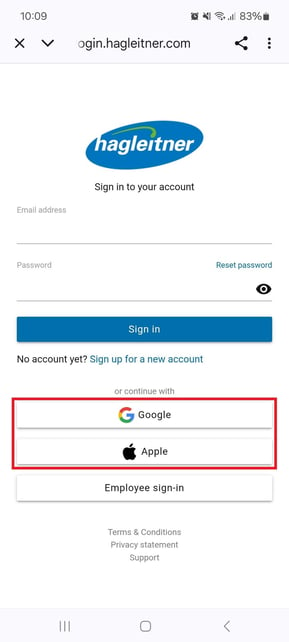
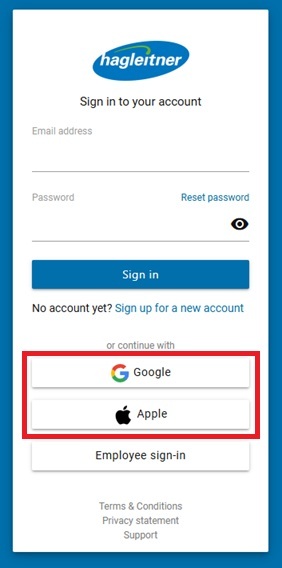
- This means that you are trying to change the password for an account that has been registered via Google or Apple. You need to change the password directly at Google or Apple. The login for such accounts also only works via the Google or Apple button at the login window.
- Error message: "User not found"
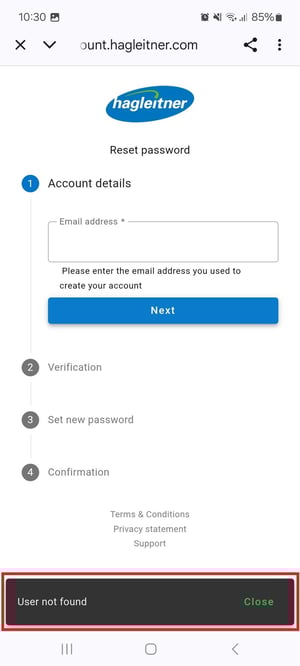
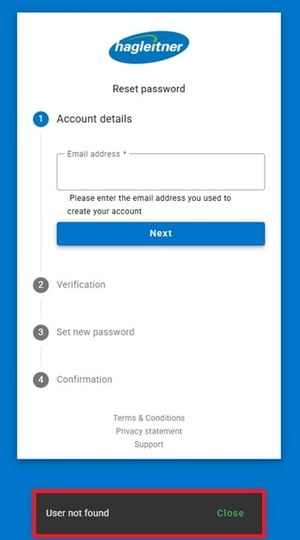
- In this case you are trying to reset the password of a user that is not registered in the HsM system. Please register first with "Sign up for a new account" via the login window.
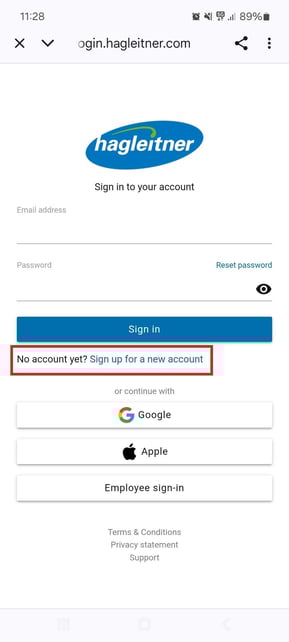
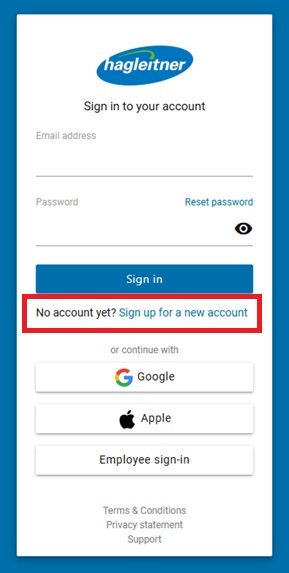
- In this case you are trying to reset the password of a user that is not registered in the HsM system. Please register first with "Sign up for a new account" via the login window.
- Error message: "External accounts"
- Verification code does not arrive
- Check your email address' Spam/Junk mail directory.
- Check your email server to see if the verification code email is stuck there.