![Hagleitner_Logo.png]](https://knowledge.hagleitner.com/hs-fs/hubfs/Hagleitner/Hagleitner%20-%20Logo/Hagleitner_Logo.png?height=40&name=Hagleitner_Logo.png)
Signing up is identical in the Hagleitner360 app and HsM web portal. You only have to sign up once in either the app or web portal because both applications use the same account and data.
- Download the Hagleitner360 app via the Google Play Store or Apple App Store or open the HsM web portal on your desktop device.
- Click on "Sign up for a new account".
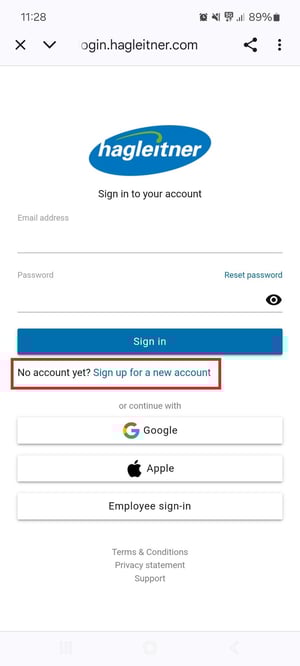
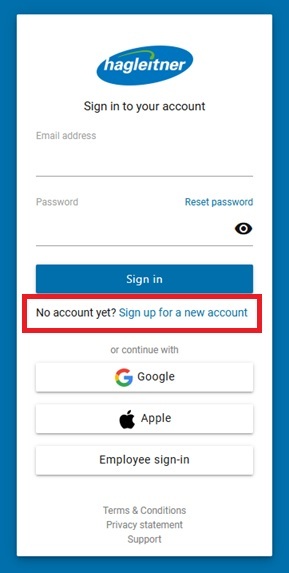
- Enter your email address you want to use for the login.
- Create your own password and confirm it.
- Click on "Next".
- Enter your first and last name.
- Read the terms and conditions and the privacy statement and accept these.
- Click on "Complete registration".
- A verification link was sent to you via email.*
- Click on the link in the email to verify your email address.
- Go back to the Hagleitner360 app or HsM web portal.
- Click on "Continue to Login".
*Tip: Check your spam/junk mail directory, if you cannot find the email with the verification link. Or contact your email server admin if the email is blocked by your email server.
You can now login with your email address and password you entered during the sign-up process.
Note: You can also sign up with your Google or Apple account.