![Hagleitner_Logo.png]](https://knowledge.hagleitner.com/hs-fs/hubfs/Hagleitner/Hagleitner%20-%20Logo/Hagleitner_Logo.png?height=40&name=Hagleitner_Logo.png)
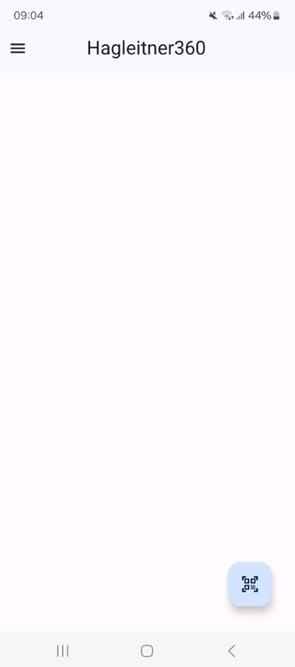
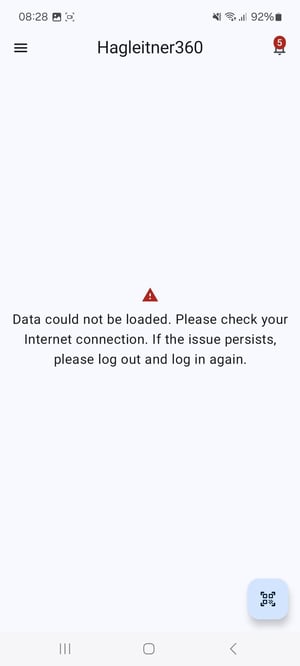
Potential solutions
- Check if you have a stable internet connection.
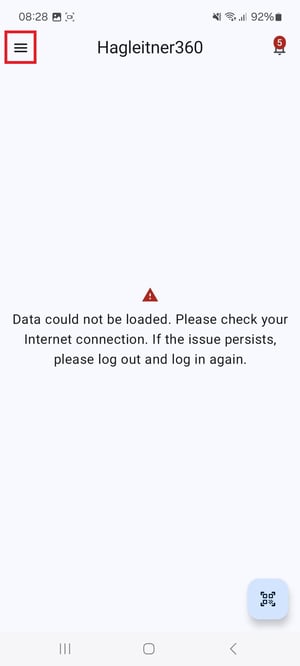
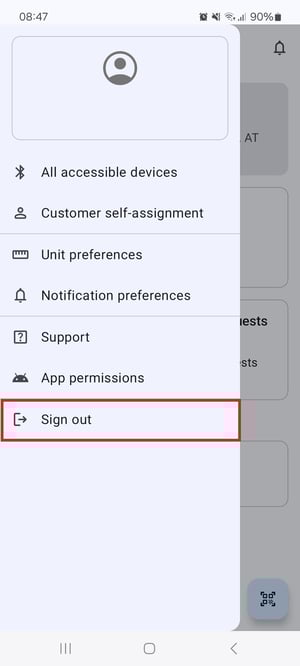
- Tap on the burger menu icon at the upper left corner and tap on "Sign out".
- Try to force stop the app.
- Try to delete temporary app data.
- Try to restart your smartphone.
- If this article does not help, contact the digital products support team.