![Hagleitner_Logo.png]](https://knowledge.hagleitner.com/hs-fs/hubfs/Hagleitner/Hagleitner%20-%20Logo/Hagleitner_Logo.png?height=40&name=Hagleitner_Logo.png)
Potential solutions
- Check the error message:
- Error: "Different identity provider"
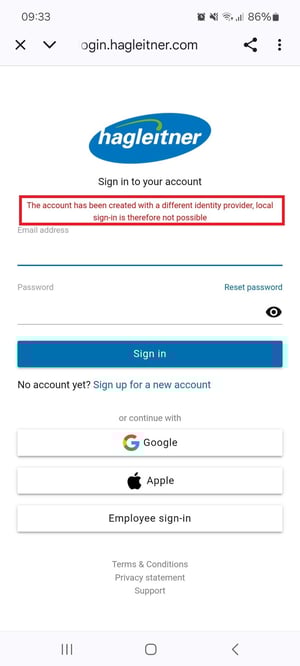
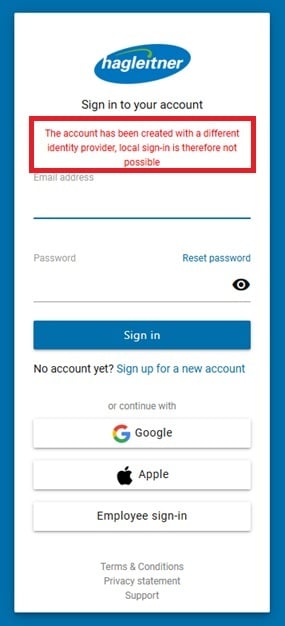
- This error means that you are trying to log in with an account that has been registered to the Hagleitner360 app/HsM web portal via Google or Apple. In this case, use the Google or Apple button to log in.
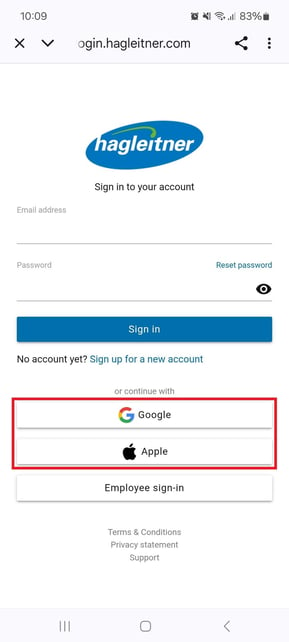
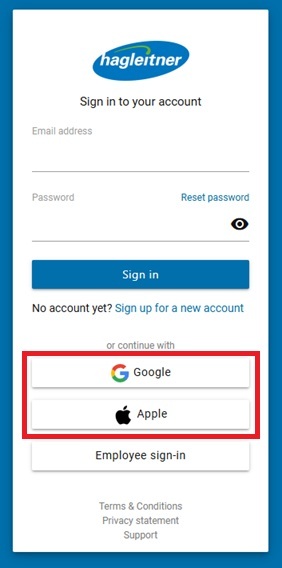
- This error means that you are trying to log in with an account that has been registered to the Hagleitner360 app/HsM web portal via Google or Apple. In this case, use the Google or Apple button to log in.
- Error: "Incorrect email address and/or password"
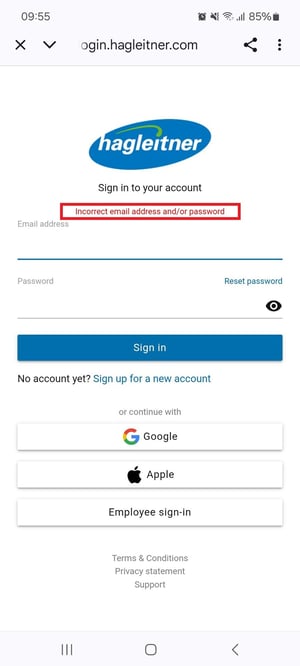
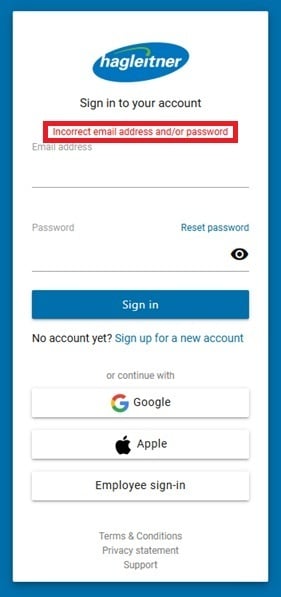
- Make sure you use the right email address and password.
- If you no longer remember your password, you can change it with "Reset password".
- Error: "Different identity provider"
If you have difficulties resetting your password, click here.