![Hagleitner_Logo.png]](https://knowledge.hagleitner.com/hs-fs/hubfs/Hagleitner/Hagleitner%20-%20Logo/Hagleitner_Logo.png?height=40&name=Hagleitner_Logo.png)
Potential solutions
- Try to enter the QR code information manually.
- Select the QR code button at the dashboard or device list.
- Tap on the pen icon at the bottom right.
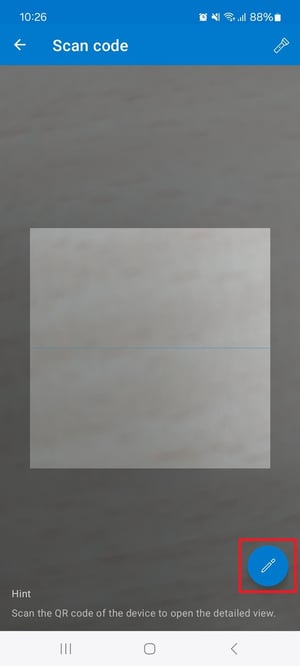
- Enter the device's serial number and the last 4 digits/letters of the MAC address (picture as an example).

Notice: The serial number (1) is on the second line of the QR code. While the MAC address is on the third line. Here the last 4 digit/letters (2) are needed. HsM devices with no electronics (for example XIBU FOAM analog) do not have an MAC address and the input field must remain empty.
- Take a picture of the QR code and provide information on which customer number and which room the device got mounted and send it to the digital products support team.